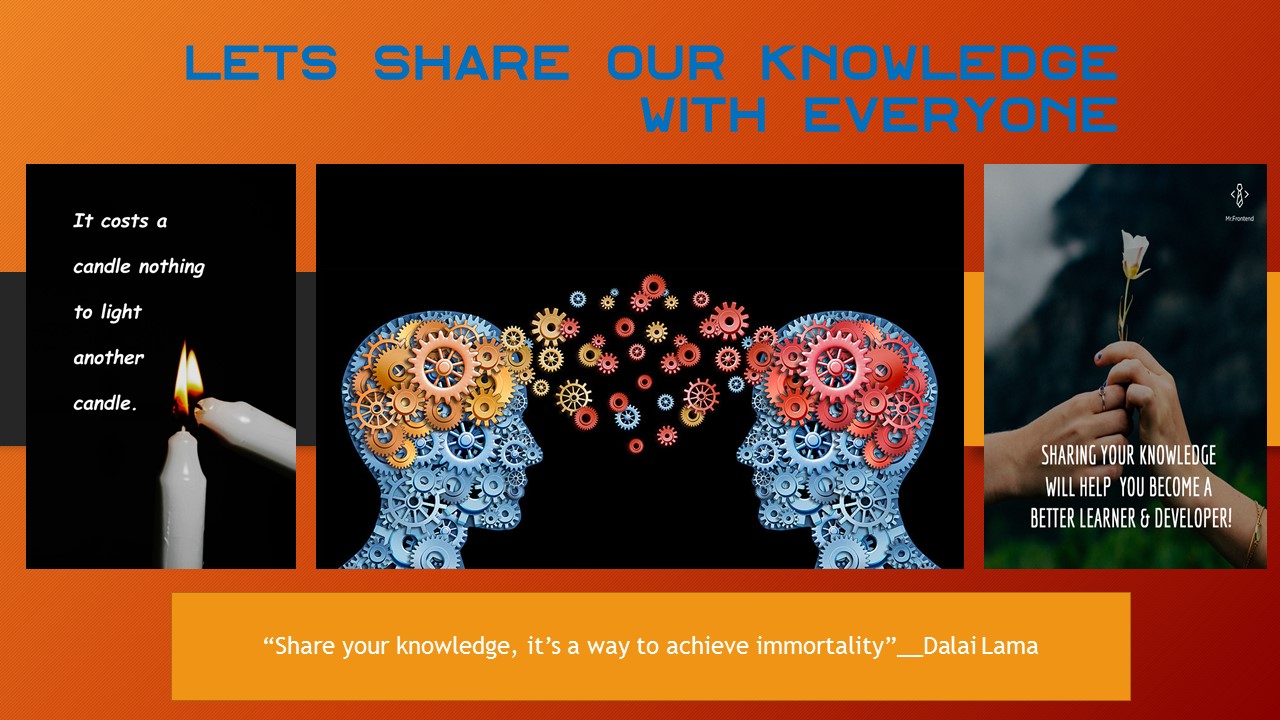
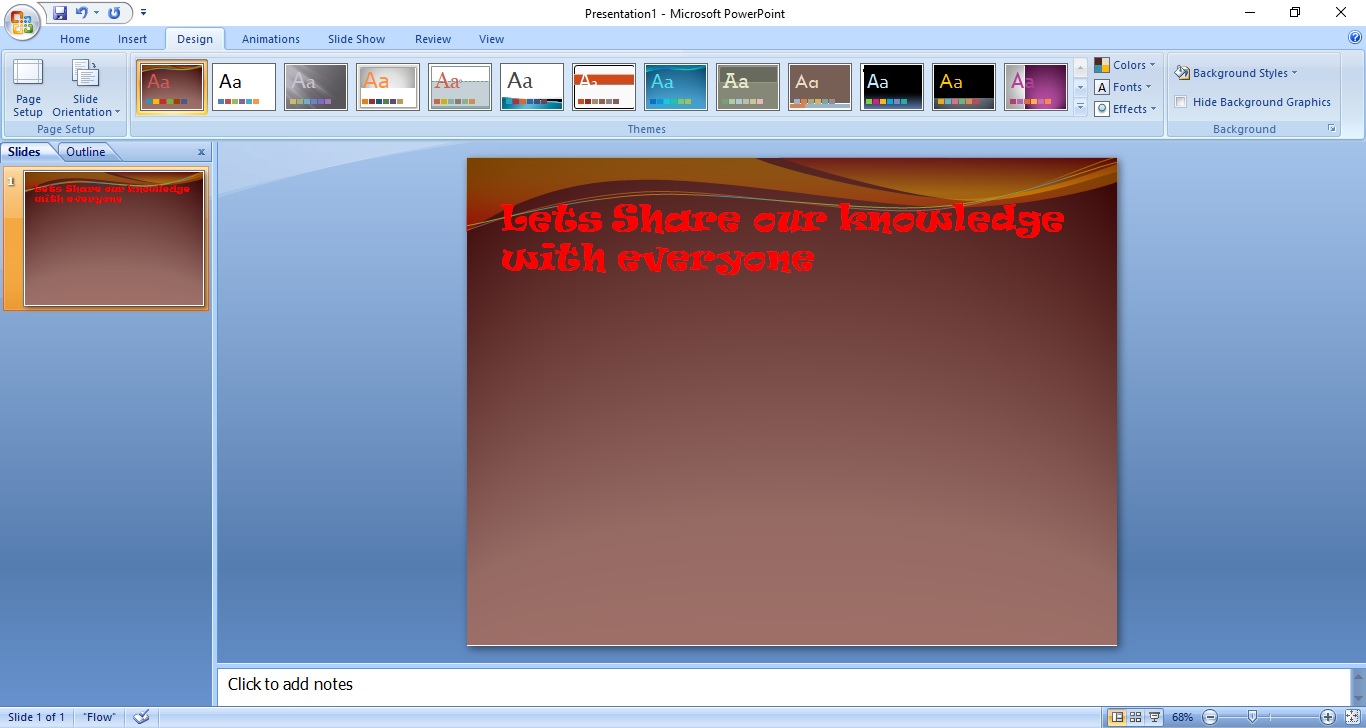
At First You have to open Microsoft office Then Add Your Tittle in the top With attractive color and font.
After that i added a background Design you can choose it from design section.
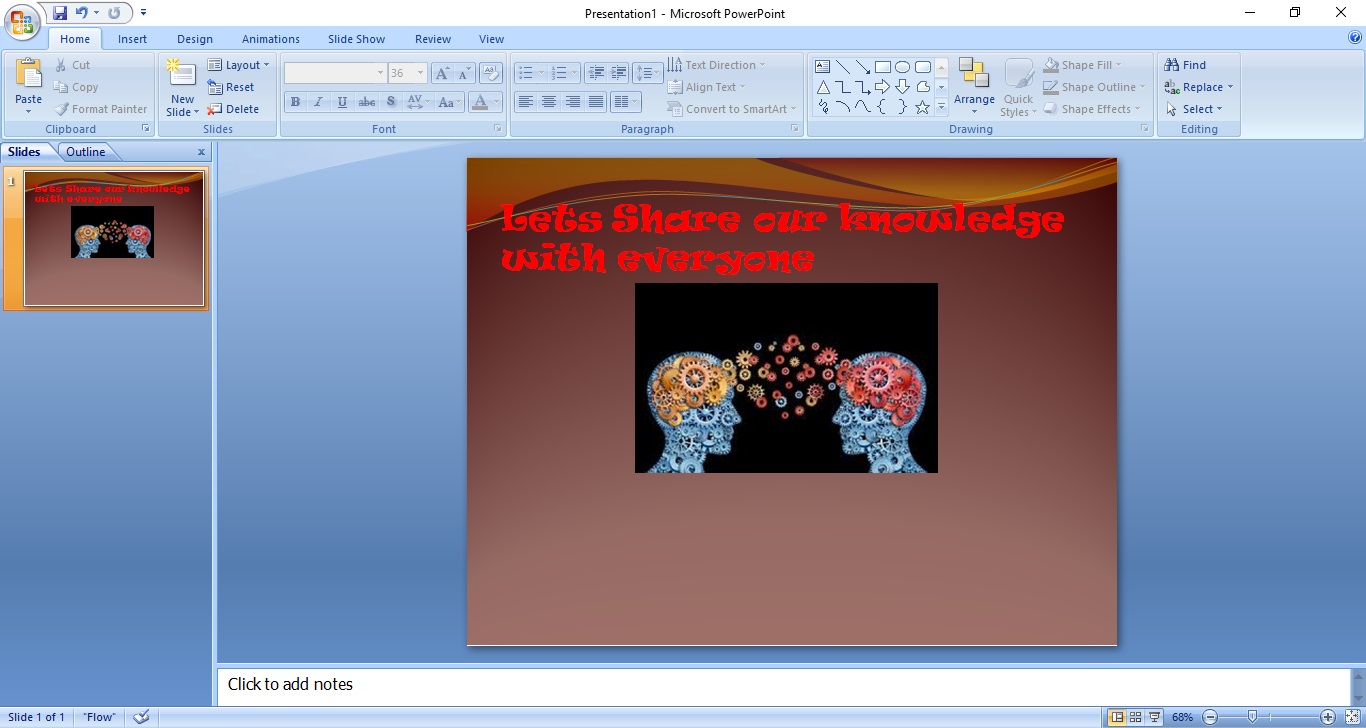
Then Choose or create a picture related to your Headline.
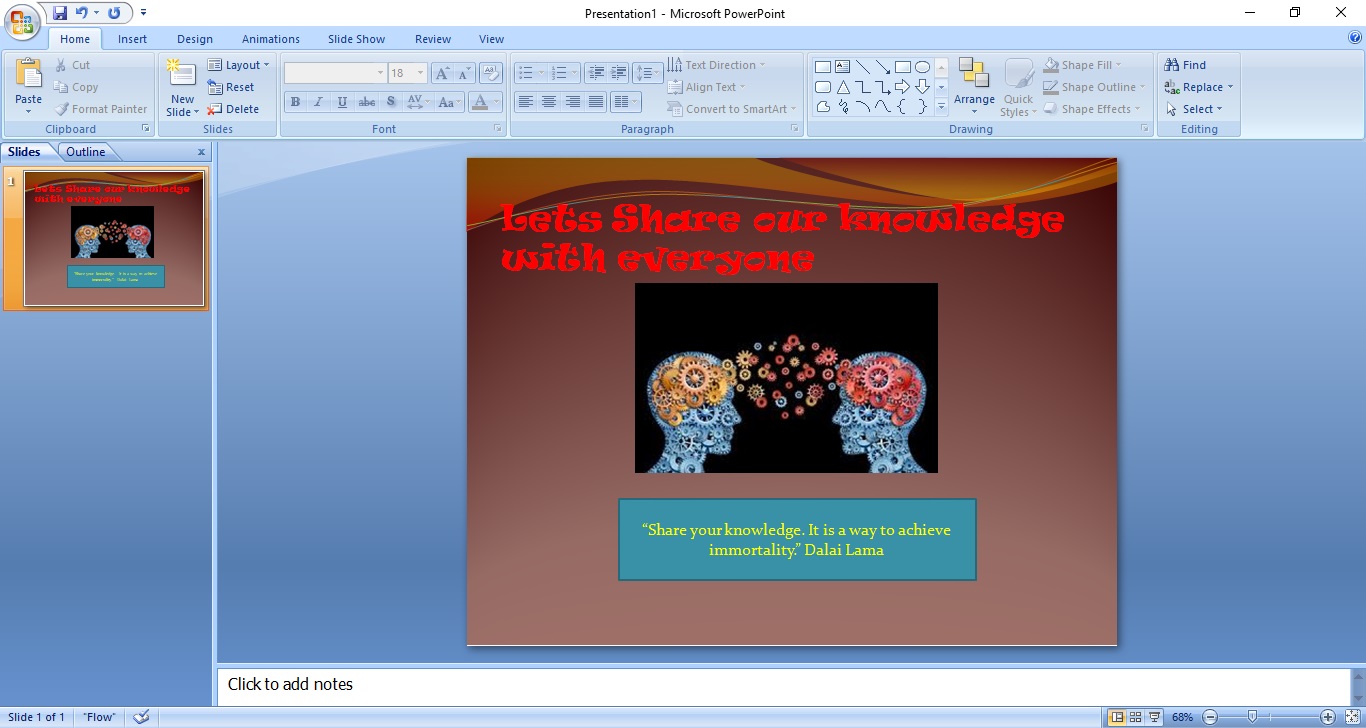
Then i added a Quotes from Dalai Lama. You can choose by yourself.
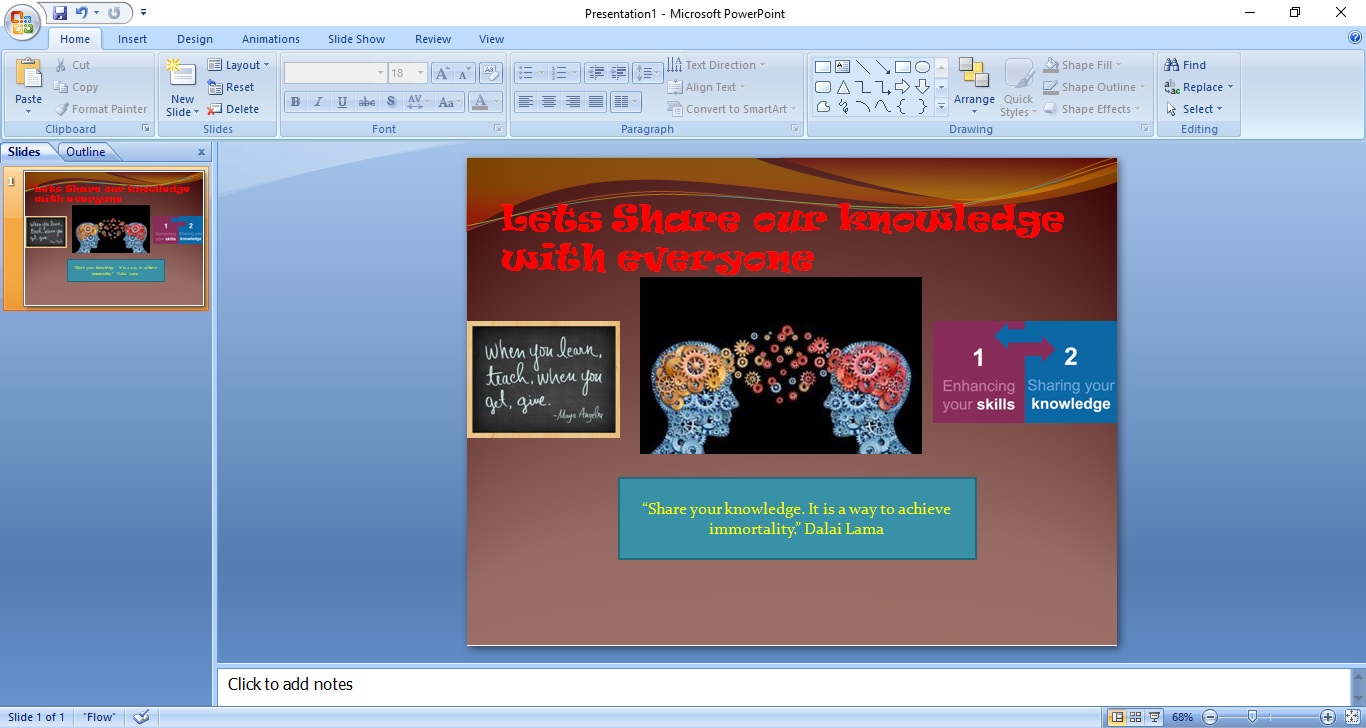
You Can add more Quotes.
That’s it you Can do it within 5 minutes.

 Nayeemzz Blog